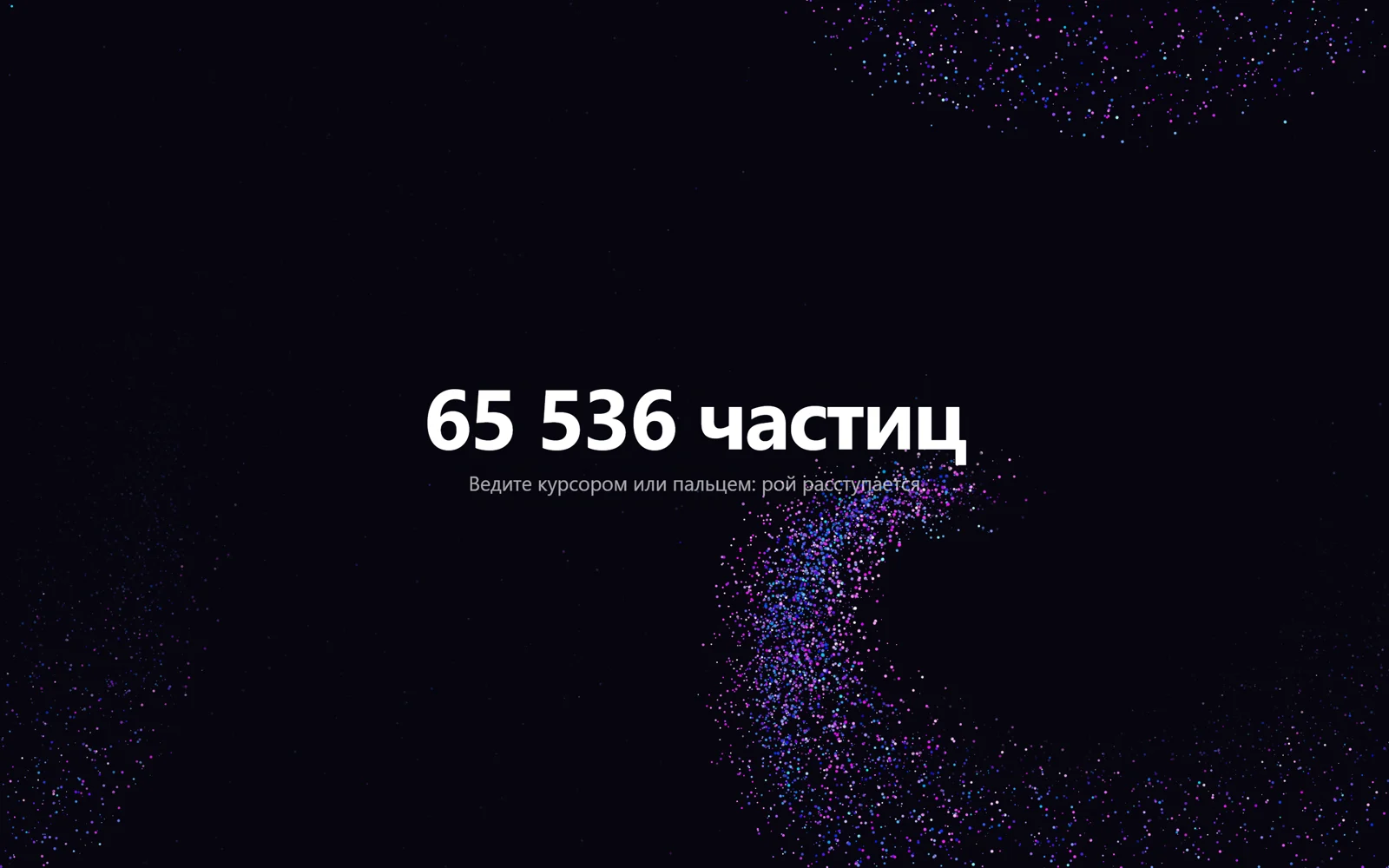
Весь экран засыпан приглушёнными тёмно-сиреневыми точками, и курсор проходит сквозь них, как ладонь сквозь песок: частицы разлетаются в стороны, на лету вспыхивают голубым и розовым, оставляют за мышью тёмный коридор и, теряя скорость, снова тускнеют. Точек 65 536, и все они считаются на видеокарте: позиции и скорости живут в двух текстурах, по пикселю на частицу, и каждый кадр пересчитываются шейдерами. Это официальный пример библиотеки OGL «GPGPU Particles» (автор Nathan Gordon, Unlicense), переделанный в фон первого экрана: тёмная тема, мягкие точки, круглая зона отталкивания на широких экранах, меньше частиц на телефоне. Без ввода курсор-призрак сам ходит восьмёркой. Подходит для AI-сервисов, продуктов о данных, технологичных лендингов.
65 тысяч частиц расступаются перед курсором
Рой из 65 536 точек считается на видеокарте: курсор расталкивает частицы, они вспыхивают цветом и снова медленно оседают.
Промпт
Добавь на мою страницу фон «65 тысяч частиц расступаются перед курсором» (по мотивам официального примера OGL «GPGPU Particles», автор Nathan Gordon, лицензия Unlicense). Ниже готовая страница одним файлом: OGL 1.0.11 через importmap с jsdelivr, без сборки. Холст закреплён на весь экран, контент `.hero` лежит поверх. Сначала перенеси страницу как есть, поводи мышью и убедись, что рой расступается и частицы вспыхивают цветом, и только потом подгоняй.

Как устроен код. Два объекта `GPGPU` из OGL — это пары текстур с плавающей точкой: в `position` хранятся координаты частиц, в `velocity` скорости, по одному пикселю на частицу (65 536 = 256×256). Каждый кадр `velocity.render()` прогоняет шейдер `velocityFragment`: частицы ближе `RADIUS` к курсору получают толчок `PUSH` от него, затем скорость умножается на трение `FRICTION`. Потом `position.render()` прибавляет скорость к позиции и переносит частицы, вылетевшие за край, на противоположную сторону. Отрисовка — `Mesh` в режиме `gl.POINTS`: вершинный шейдер читает позицию прямо из текстуры по атрибуту `coords`, добавляет лёгкое покачивание и увеличивает движущиеся точки, фрагментный рисует мягкий круг и смешивает приглушённый цвет покоя `still` (прозрачность `uRest`) с ярким `moving` в зависимости от скорости, поэтому светится только то, что движется. Курсор переводится в координаты от -1 до 1; координата x умножается на `uAspect`, чтобы зона отталкивания была круглой. Без ввода 2,5 секунды виртуальный курсор ходит восьмёркой; при `prefers-reduced-motion` демо и покачивание выключены, частицы двигаются только от вашей мыши или пальца.

Что менять: число частиц `COUNT` (берите степени двойки: 16384, 65536, 262144; на телефоне уже стоит 16384, заголовок подставляет число сам), радиус `RADIUS`, силу толчка `PUSH`, трение `FRICTION` (0.95 — частицы быстро останавливаются, 0.99 — долго скользят), размер точек в `mix(1.0, 4.0, ...)`, цвета `moving` и `still` и прозрачность покоя `uRest` (0.3, при уменьшенном движении 0.9), фон `body`.

Если проект на React: холст создаётся библиотекой (`renderer.gl.canvas`), добавь его в контейнер через `ref` в `useEffect` с пустым списком зависимостей. При размонтировании отмени `requestAnimationFrame`, сними слушатели `pointermove`, `pointerdown`, `pointerleave` и `resize`, удали холст и освободи контекст через `renderer.gl.getExtension('WEBGL_lose_context')?.loseContext()`. Не убирай `touch-action: none` у холста, иначе палец будет прокручивать страницу, и не ставь больше 65 536 частиц без проверки на слабом ноутбуке.
Покажи, как поставить этот фон под первый экран моего сайта, и подбери цвета частиц под мой бренд.
Код скопируется вместе с промптом
Код
<!DOCTYPE html>
<html lang="ru">
<head>
<meta charset="UTF-8">
<meta name="viewport" content="width=device-width, initial-scale=1">
<title>Частицы на видеокарте</title>
<link rel="icon" href="data:,">
<script type="importmap">{ "imports": { "ogl": "https://cdn.jsdelivr.net/npm/ogl@1.0.11/src/index.js" } }</script>
<style>
  *, *::before, *::after { box-sizing: border-box; }
  html, body { height: 100%; margin: 0; overflow: hidden; color: #fff; background: #07060f;
               font-family: system-ui, -apple-system, "Segoe UI", sans-serif; -webkit-font-smoothing: antialiased; }
  canvas { position: fixed; inset: 0; width: 100%; height: 100%; display: block; touch-action: none; }
  .hero { position: relative; z-index: 1; height: 100%; display: grid; place-content: center; gap: .8rem;
          padding: 1.5rem; text-align: center; pointer-events: none; }
  .hero h1 { margin: 0; font-size: clamp(2.2rem, 7vw, 5.5rem); letter-spacing: -.03em; line-height: 1;
             text-shadow: 0 2px 30px #07060f; }
  .hero p { margin: 0; font-size: clamp(1rem, 2vw, 1.3rem); color: rgb(255 255 255 / .65); text-shadow: 0 2px 20px #07060f; }
</style>
</head>
<body>
<main class="hero">
  <h1>65 536 частиц</h1>
  <p>Ведите курсором или пальцем: рой расступается</p>
</main>

<script type="module">
// Based on the OGL example "GPGPU Particles" by Nathan Gordon (oframe/ogl), released under the Unlicense
// https://github.com/oframe/ogl/blob/master/examples/gpgpu-particles.html
import { Renderer, Geometry, Program, Mesh, Vec2, GPGPU } from 'ogl';

const reduceMotion = matchMedia('(prefers-reduced-motion: reduce)').matches;
// a power of two fills the data texture exactly: 65536 = 256×256, 16384 = 128×128
const COUNT = innerWidth < 700 ? 16384 : 65536;
document.querySelector('h1').textContent = `${COUNT.toLocaleString('ru-RU')} частиц${COUNT % 10 === 4 ? 'ы' : ''}`;
const RADIUS = 0.3;    // repulsion radius in clip space (-1..1)
const PUSH = 0.5;      // repulsion force
const FRICTION = 0.98; // how fast particles slow down

// Draw pass: position and velocity come from the GPGPU textures, not from attributes
const vertex = /* glsl */ `
  attribute vec2 coords; attribute vec4 random;
  uniform float uTime, uMotion, uDpr;
  uniform sampler2D tPosition, tVelocity;
  varying vec4 vRandom, vVelocity;
  void main() {
    vRandom = random;
    vec4 position = texture2D(tPosition, coords);
    vVelocity = texture2D(tVelocity, coords);
    // subtle oscillation so the swarm never fully stops
    position.xy += sin(vec2(uTime) * random.wy + random.xz * 6.28) * random.zy * 0.1 * uMotion;
    gl_Position = vec4(position.xy, 0.0, 1.0);
    gl_PointSize = mix(1.0, 4.0, random.x) * uDpr;
    gl_PointSize *= 1.0 + 0.5 * min(1.0, length(vVelocity.xy));   // a bit bigger while moving
  }`;

const fragment = /* glsl */ `
  precision highp float;
  uniform float uRest;
  varying vec4 vRandom, vVelocity;
  void main() {
    float d = length(gl_PointCoord - 0.5);
    if (d > 0.5) discard;
    vec3 moving = vec3(vRandom.z, vRandom.y * 0.6, 1.0) * mix(0.8, 1.8, vRandom.w);  // blue → pink → violet
    vec3 still = vec3(0.21, 0.2, 0.36);   // resting particles stay dim, the moving ones light up
    float speed = 1.0 - pow(1.0 - smoothstep(0.0, 0.7, length(vVelocity.xy)), 2.0);
    gl_FragColor = vec4(mix(still, moving, speed), smoothstep(0.5, 0.2, d) * mix(uRest, 1.0, speed));
  }`;

// Simulation passes: each one renders into a float texture with one pixel per particle
const positionFragment = /* glsl */ `
  precision highp float;
  uniform sampler2D tMap, tVelocity;
  varying vec2 vUv;
  void main() {
    vec4 position = texture2D(tMap, vUv);
    position.xy += texture2D(tVelocity, vUv).xy * 0.01;
    // wrap around the edges
    position.xy += (1.0 - step(-1.0, position.xy)) * 2.0;
    position.xy -= step(1.0, position.xy) * 2.0;
    gl_FragColor = position;
  }`;

const velocityFragment = /* glsl */ `
  precision highp float;
  uniform sampler2D tMap, tPosition;
  uniform vec2 uMouse; uniform float uAspect, uRadius, uPush, uFriction;
  varying vec2 vUv;
  void main() {
    vec4 position = texture2D(tPosition, vUv);
    vec4 velocity = texture2D(tMap, vUv);
    vec2 toMouse = position.xy - uMouse;
    toMouse.x *= uAspect;   // keep the push zone round on wide screens
    float strength = smoothstep(uRadius, 0.0, length(toMouse));
    velocity.xy += strength * normalize(toMouse + 1e-5) * uPush;
    velocity.xy *= uFriction;
    gl_FragColor = velocity;
  }`;

const dpr = Math.min(devicePixelRatio, 2);
const renderer = new Renderer({ dpr, alpha: true });
const gl = renderer.gl;
document.body.prepend(gl.canvas);
gl.canvas.setAttribute('aria-hidden', 'true');
gl.clearColor(0, 0, 0, 0);

const time = { value: 0 };
const mouse = { value: new Vec2(10, 10) };   // far away until the first input
const aspect = { value: 1 };

const positions = new Float32Array(COUNT * 4);
const velocities = new Float32Array(COUNT * 4);
const random = new Float32Array(COUNT * 4);
for (let i = 0; i < COUNT; i++) {
  positions.set([Math.random() * 2 - 1, Math.random() * 2 - 1, 0, 1], i * 4);
  velocities.set([0, 0, 0, 1], i * 4);
  random.set([Math.random(), Math.random(), Math.random(), Math.random()], i * 4);
}

const position = new GPGPU(gl, { data: positions });
const velocity = new GPGPU(gl, { data: velocities });
position.addPass({ fragment: positionFragment, uniforms: { tVelocity: velocity.uniform } });
velocity.addPass({
  fragment: velocityFragment,
  uniforms: {
    tPosition: position.uniform, uMouse: mouse, uAspect: aspect,
    uRadius: { value: RADIUS }, uPush: { value: PUSH }, uFriction: { value: FRICTION },
  },
});

const geometry = new Geometry(gl, {
  random: { size: 4, data: random },
  coords: { size: 2, data: position.coords },
});
const program = new Program(gl, {
  vertex, fragment, transparent: true, depthTest: false,
  uniforms: {
    uTime: time, uMotion: { value: reduceMotion ? 0 : 1 }, uDpr: { value: dpr },
    uRest: { value: reduceMotion ? 0.9 : 0.3 },   // opacity of resting particles; brighter when nothing moves by itself
    tPosition: position.uniform, tVelocity: velocity.uniform,
  },
});
const points = new Mesh(gl, { geometry, program, mode: gl.POINTS });

function resize() {
  renderer.setSize(innerWidth, innerHeight);
  aspect.value = innerWidth / innerHeight;
}
addEventListener('resize', resize);
resize();

// Pointer in clip space (-1..1, y up); works for mouse, pen and touch
let lastInput = -Infinity;
function setPointer(e) {
  lastInput = performance.now();
  mouse.value.set(e.clientX / innerWidth * 2 - 1, 1 - e.clientY / innerHeight * 2);
}
addEventListener('pointermove', setPointer, { passive: true });
addEventListener('pointerdown', setPointer, { passive: true });
document.documentElement.addEventListener('pointerleave', () => mouse.value.set(10, 10));

requestAnimationFrame(update);
function update(t) {
  requestAnimationFrame(update);
  if (!reduceMotion) time.value = t * 0.001;
  // demo: with no input for 2.5 s a virtual cursor loops through the swarm
  if (!reduceMotion && t - lastInput > 2500) {
    const k = t * 0.0009;
    mouse.value.set(Math.sin(k) * 0.65, Math.sin(k * 2.0) * 0.45);
  }
  velocity.render();
  position.render();
  renderer.render({ scene: points });
}
</script>
</body>
</html>
Похожие
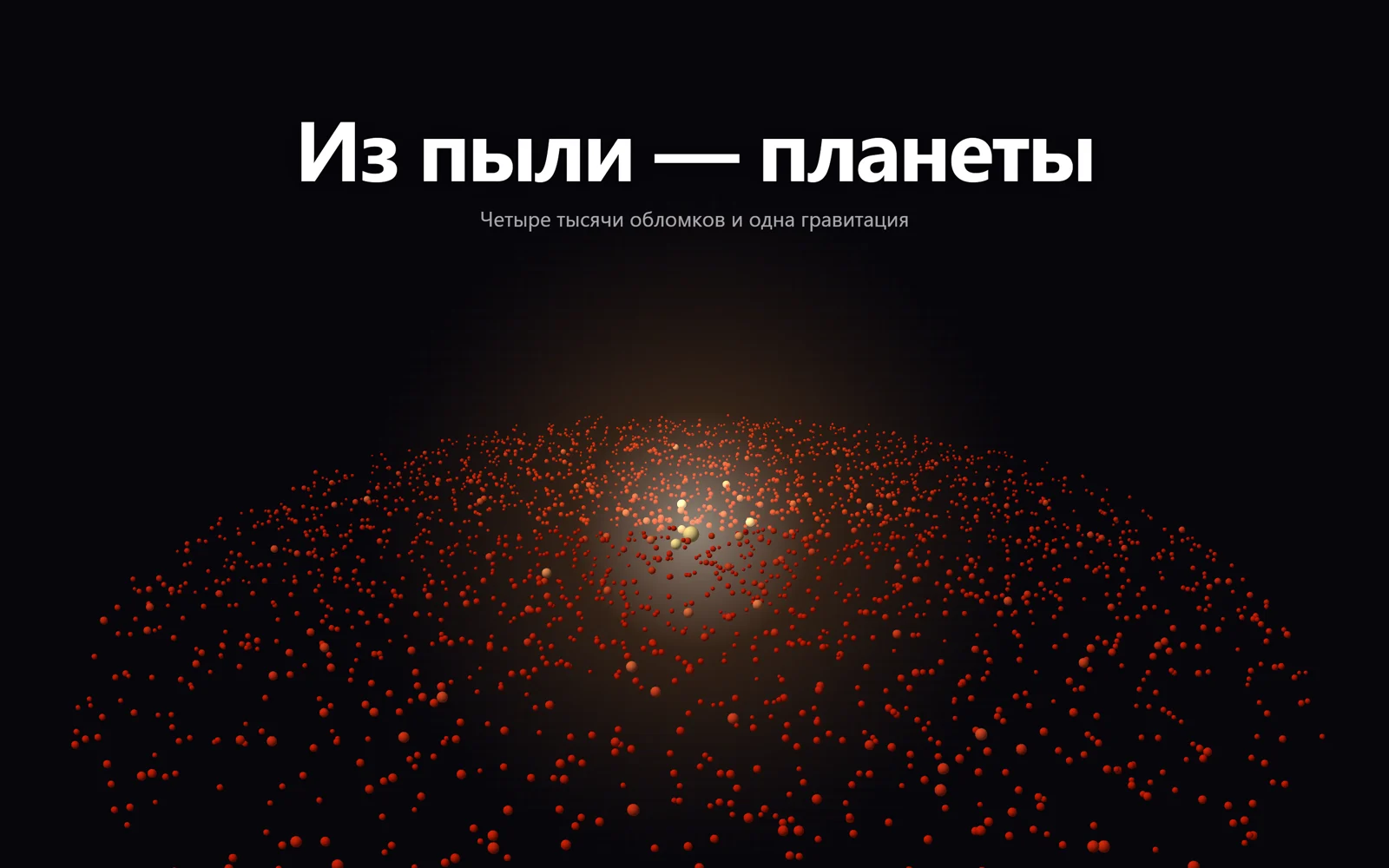
Протопланетный диск: из пыли слипаются планеты
Three.js · Шейдер
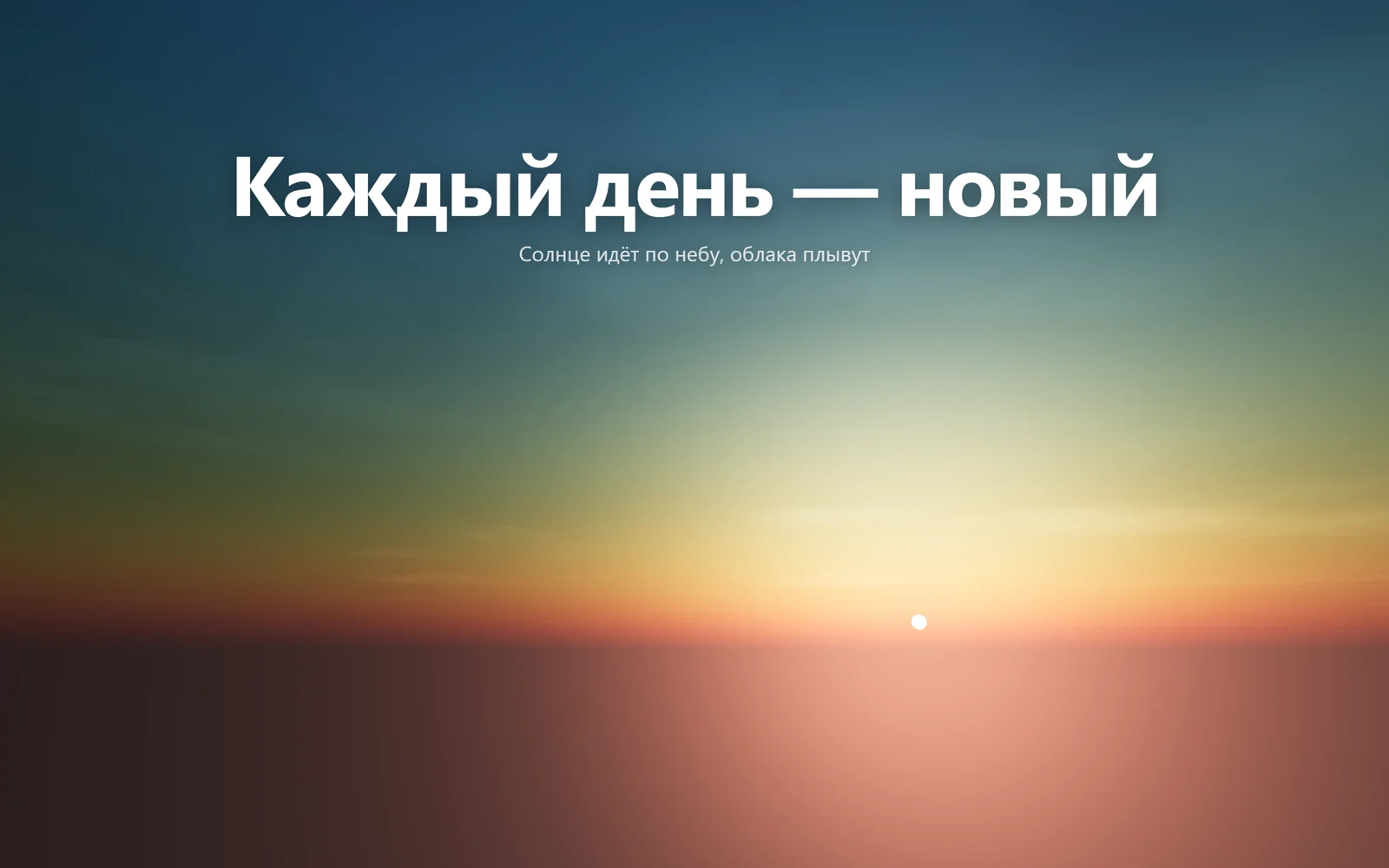
Живое небо: солнце садится и встаёт за заголовком
Three.js · Шейдер
Полёт по неоновому тоннелю-узлу
Three.js · Шейдер