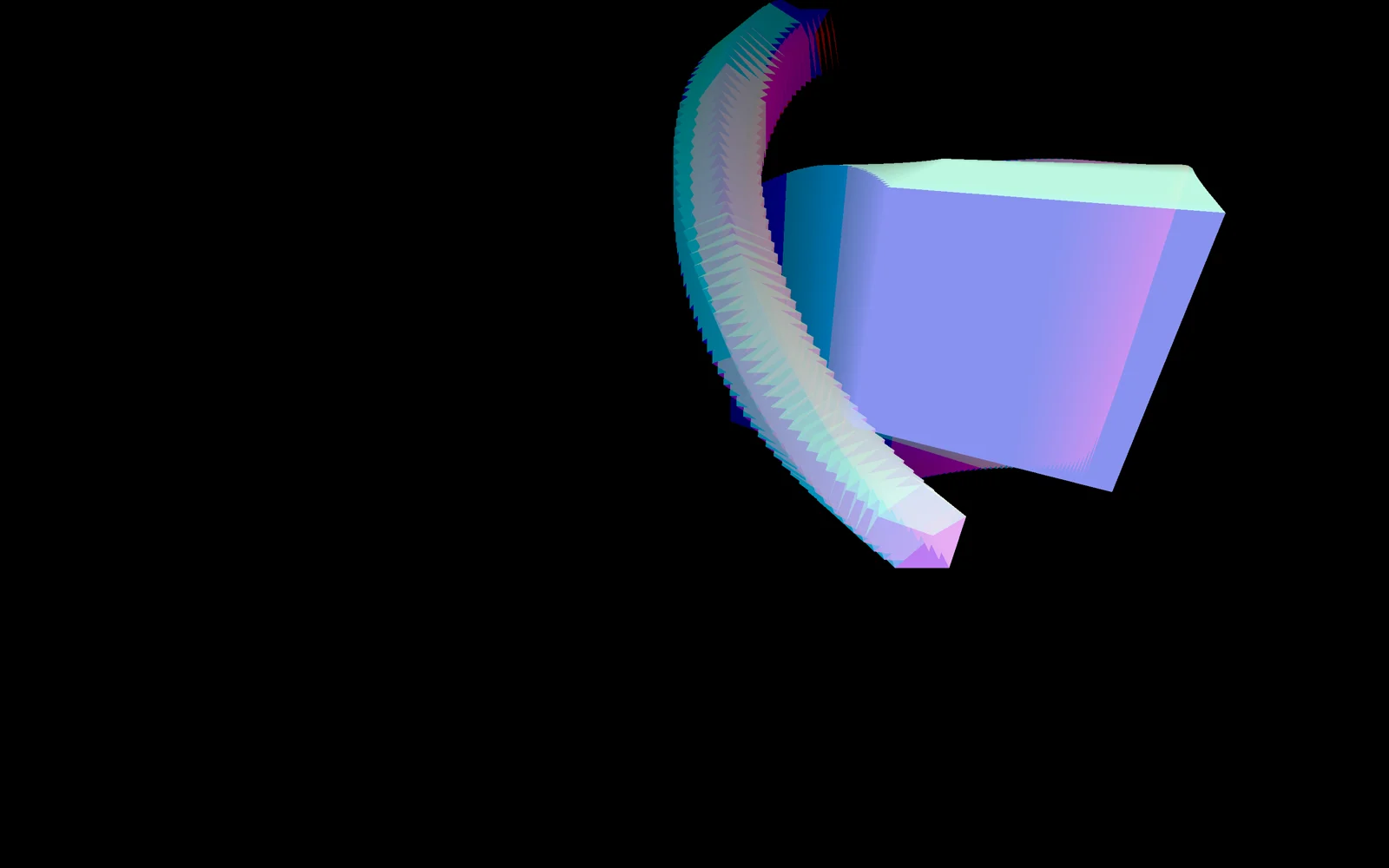
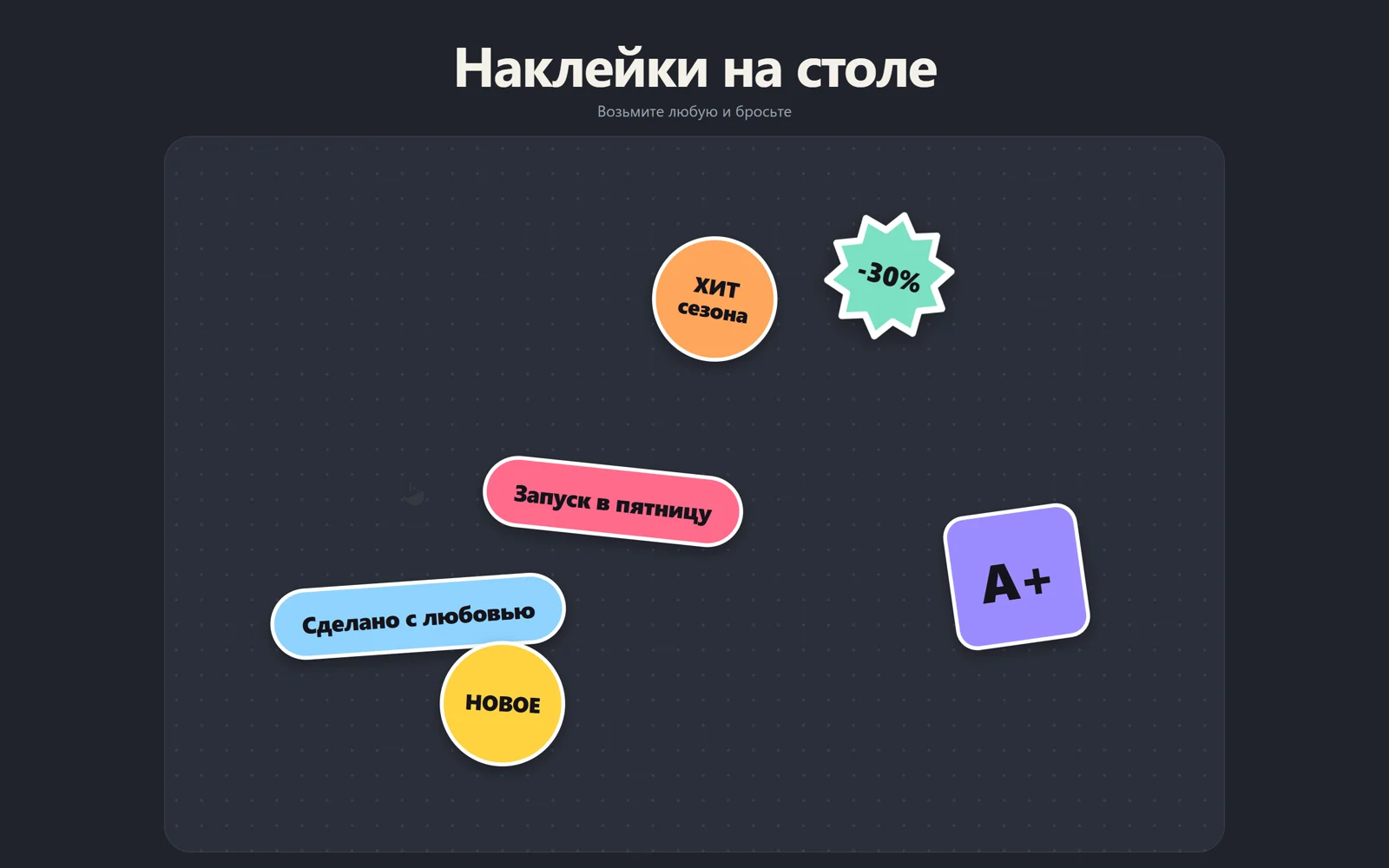
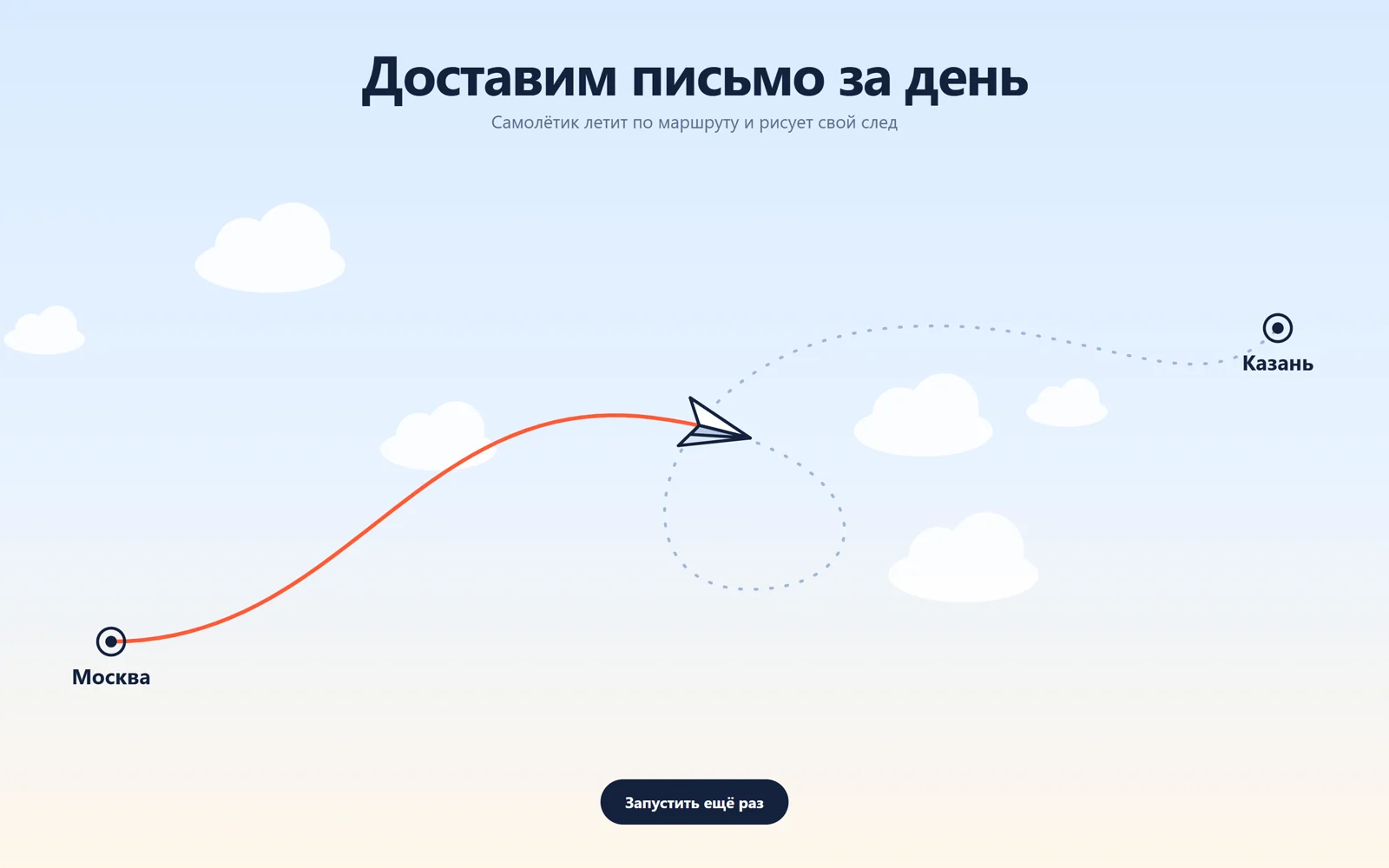
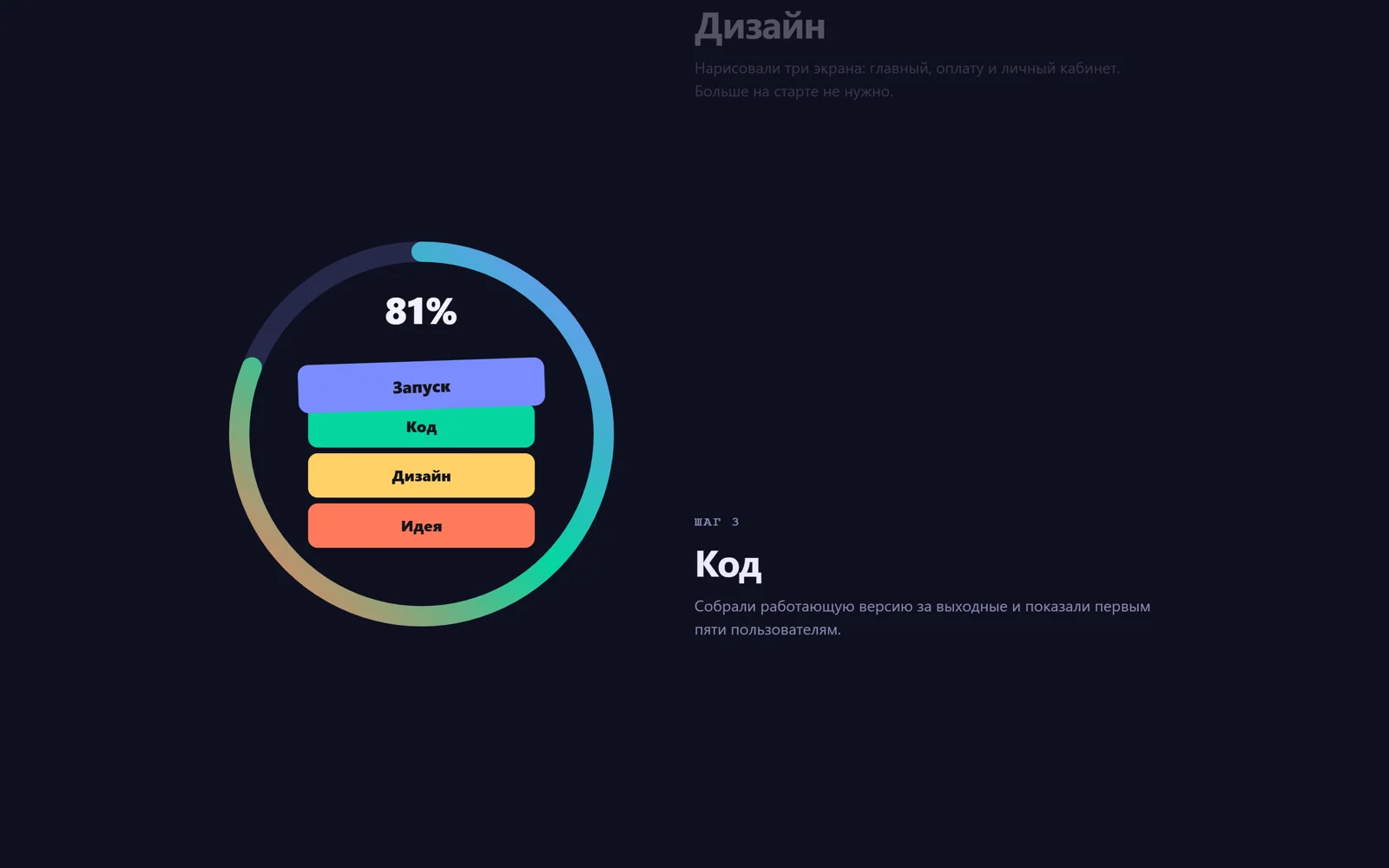
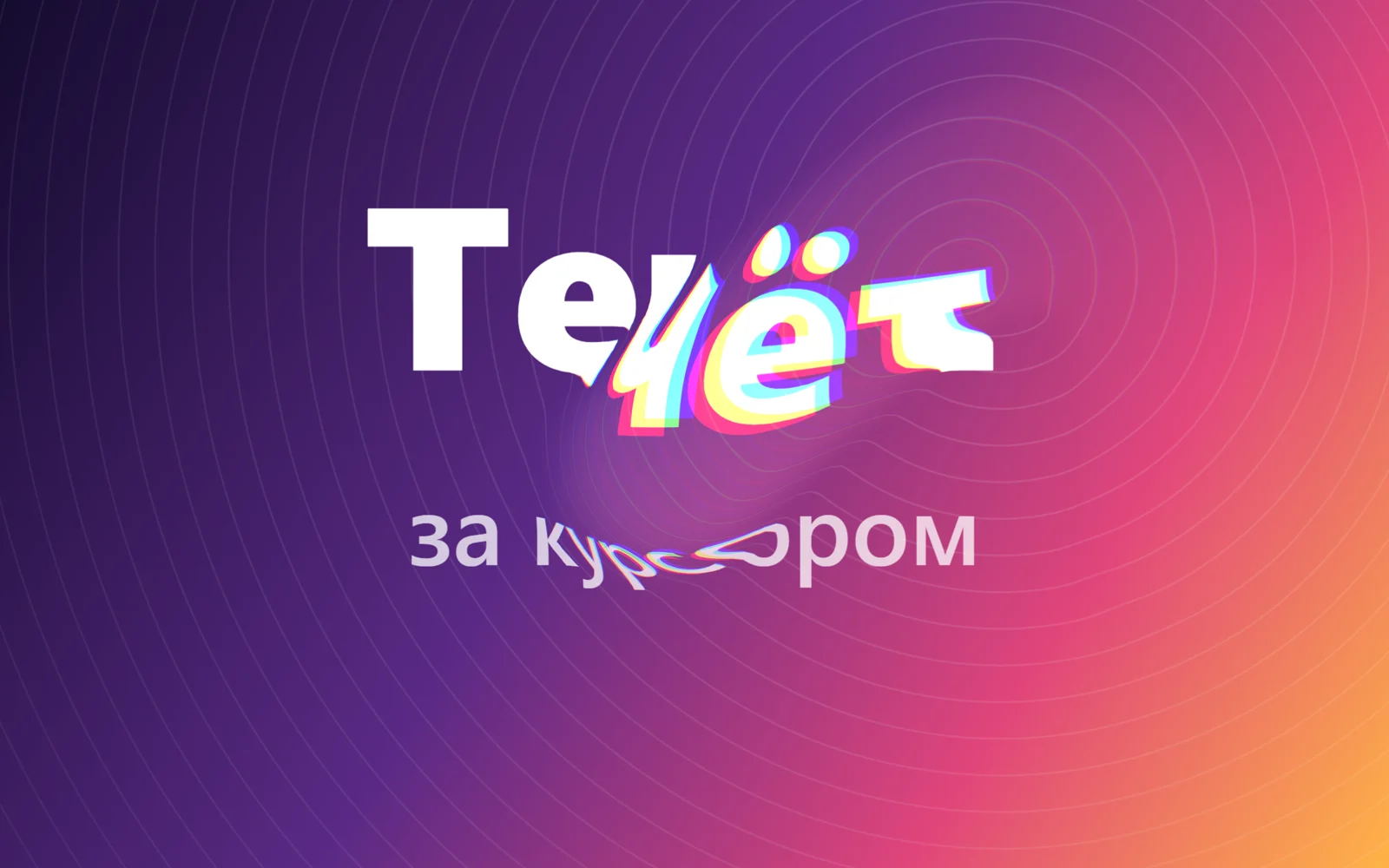
Первый экран, который хочется потрогать. Ведёте курсором, и картинка под ним растекается: заголовок, кольца и градиент тянутся по следу мыши, как краска на воде, с лёгким цветным ореолом по краям, а когда курсор останавливается, всё медленно затягивается обратно. Это официальный пример библиотеки OGL «Mouse Flowmap» (автор Nathan Gordon, Unlicense). Вместо текстуры воды из примера, у которой нет ясной лицензии, картинка рисуется прямо в браузере на 2D-холсте: градиент, кольца и ваш текст, поэтому чужих файлов нет. Подходит для портфолио, студии, креативного агентства, промо-страницы. Палец на телефоне работает так же, а без ввода курсор-призрак сам рисует восьмёрку, чтобы эффект был виден сразу.
Библиотека дизайна / Эффекты и шейдеры
Картинка течёт за курсором, как жидкость
Курсор размазывает картинку, будто ведёт пальцем по воде: буквы и линии изгибаются по следу и медленно возвращаются на место.
Промпт
Добавь на мою страницу эффект «Картинка течёт за курсором» (по мотивам официального примера OGL «Mouse Flowmap», автор Nathan Gordon, лицензия Unlicense). Ниже готовая страница одним файлом: OGL 1.0.11 через importmap с jsdelivr, без сборки. Сначала перенеси её как есть, поводи мышью и убедись, что надпись растекается по следу и медленно возвращается, и только потом подгоняй.

Как устроен код. `Flowmap` из OGL хранит маленькую текстуру скорости (128×128), в которую каждый кадр дорисовывается след курсора: в красный и зелёный каналы пишется скорость по x и y, в синий её длина, а `dissipation` 0.97 постепенно гасит след. Фрагментный шейдер берёт эту скорость и сдвигает координаты, по которым читает картинку (`vUv - flow.xy * uStrength`); для каналов r, g и b сдвиг чуть разный, отсюда цветной ореол. Картинку рисует функция `drawPicture()` на обычном 2D-холсте (градиент, кольца, две строки текста из `TEXT`), холст становится текстурой OGL и перерисовывается при изменении размера окна. Скорость курсора считает `move()` в пикселях за миллисекунду; если в кадре движения не было, вход сбрасывается, чтобы след не «зависал». Без ввода 2 секунды виртуальный курсор рисует восьмёрку; при `prefers-reduced-motion` этого демо нет, эффект появляется только от вашей мыши или пальца.

Что менять: текст `TEXT`, цвета градиента и колец в `drawPicture()` (вместо рисунка можно загрузить своё фото: `const img = new Image(); img.onload = () => { texture.image = img; }`, только своё или со свободной лицензией, и открывать страницу через локальный сервер), силу сдвига `FLOW_STRENGTH` (0.05 — тонко, 0.2 — сильно), ширину кисти `falloff` (0.15–0.5) и то, как долго держится след, `dissipation` (0.9 — быстро гаснет, 0.99 — тянется долго), траекторию демо в `update()`.

Если проект на React: холст создаётся библиотекой (`renderer.gl.canvas`), добавь его в контейнер через `ref` в `useEffect` с пустым списком зависимостей. При размонтировании отмени `requestAnimationFrame` (сохрани id), сними слушатели `pointermove`, `pointerdown` и `resize`, удали холст из DOM и освободи контекст `renderer.gl.getExtension('WEBGL_lose_context')?.loseContext()`. Не убирай `touch-action: none` у холста: без него палец на телефоне прокручивает страницу вместо того, чтобы вести жидкость. Если эффект стоит не на весь экран, а в блоке, считай координаты курсора относительно `getBoundingClientRect()` блока.
Покажи, как поставить этот эффект на первый экран моего сайта, и подставь мой заголовок и цвета бренда.
Код скопируется вместе с промптом
Код
<!DOCTYPE html>
<html lang="ru">
<head>
<meta charset="UTF-8">
<meta name="viewport" content="width=device-width, initial-scale=1">
<title>Картинка течёт за курсором</title>
<link rel="icon" href="data:,">
<script type="importmap">{ "imports": { "ogl": "https://cdn.jsdelivr.net/npm/ogl@1.0.11/src/index.js" } }</script>
<style>
  *, *::before, *::after { box-sizing: border-box; }
  html, body { height: 100%; margin: 0; overflow: hidden; background: #140b2e; }
  /* WebGL canvas fills the screen; touch-action: none lets a finger drag the liquid instead of scrolling */
  canvas { position: fixed; inset: 0; width: 100%; height: 100%; display: block; touch-action: none; }
</style>
</head>
<body>
<h1 hidden>Течёт за курсором</h1>

<script type="module">
// Based on the OGL example "Mouse Flowmap" by Nathan Gordon (oframe/ogl), released under the Unlicense
// https://github.com/oframe/ogl/blob/master/examples/mouse-flowmap.html
// The original water texture is replaced with a picture drawn on a 2D canvas
import { Renderer, Program, Texture, Mesh, Vec2, Flowmap, Triangle } from 'ogl';

const TEXT = ['Течёт', 'за курсором'];
const FLOW_STRENGTH = 0.12;   // how far the picture is pushed by the flow
const reduceMotion = matchMedia('(prefers-reduced-motion: reduce)').matches;

const vertex = /* glsl */ `
  attribute vec2 uv; attribute vec2 position;
  varying vec2 vUv;
  void main() { vUv = uv; gl_Position = vec4(position, 0.0, 1.0); }`;

// R and G of the flowmap are the velocity in x and y, B is its length
const fragment = /* glsl */ `
  precision highp float;
  uniform sampler2D tMap; uniform sampler2D tFlow; uniform float uStrength;
  varying vec2 vUv;
  void main() {
    vec3 flow = texture2D(tFlow, vUv).rgb;
    vec2 offset = flow.xy * uStrength;
    // a slight colour split along the flow makes the liquid feel thicker
    float r = texture2D(tMap, vUv - offset * 1.15).r;
    float g = texture2D(tMap, vUv - offset).g;
    float b = texture2D(tMap, vUv - offset * 0.85).b;
    gl_FragColor = vec4(vec3(r, g, b) + flow.b * 0.08, 1.0);
  }`;

const renderer = new Renderer({ dpr: Math.min(devicePixelRatio, 2) });
const gl = renderer.gl;
document.body.appendChild(gl.canvas);
gl.canvas.setAttribute('aria-hidden', 'true');

// The picture: gradient, rings and a headline drawn on a 2D canvas, redrawn on resize
const paper = document.createElement('canvas');
const ctx = paper.getContext('2d');
const texture = new Texture(gl, { image: paper, generateMipmaps: false });
function drawPicture(w, h) {
  const s = Math.min(1.5, devicePixelRatio);
  paper.width = Math.round(w * s); paper.height = Math.round(h * s);
  ctx.setTransform(s, 0, 0, s, 0, 0);
  const bg = ctx.createLinearGradient(0, 0, w, h);
  bg.addColorStop(0, '#140b2e'); bg.addColorStop(0.45, '#5b2a86'); bg.addColorStop(0.75, '#e0457b'); bg.addColorStop(1, '#ffb347');
  ctx.fillStyle = bg; ctx.fillRect(0, 0, w, h);
  // concentric rings: straight lines show the distortion best
  ctx.lineWidth = 2;
  for (let r = 40; r < Math.hypot(w, h); r += 38) {
    ctx.strokeStyle = `rgba(255,255,255,${0.12 - r / Math.hypot(w, h) * 0.1})`;
    ctx.beginPath(); ctx.arc(w * 0.72, h * 0.3, r, 0, Math.PI * 2); ctx.stroke();
  }
  const size = Math.min(w / 6, h / 3.2);
  ctx.fillStyle = '#fff'; ctx.textAlign = 'center'; ctx.textBaseline = 'middle';
  ctx.font = `800 ${size}px system-ui, -apple-system, "Segoe UI", sans-serif`;
  ctx.fillText(TEXT[0], w / 2, h / 2 - size * 0.55);
  ctx.font = `600 ${size * 0.42}px system-ui, -apple-system, "Segoe UI", sans-serif`;
  ctx.fillStyle = 'rgba(255,255,255,0.75)';
  ctx.fillText(TEXT[1], w / 2, h / 2 + size * 0.45);
  texture.image = paper;   // re-upload
  texture.needsUpdate = true;
}

const flowmap = new Flowmap(gl, { falloff: 0.3, dissipation: 0.97 });
const program = new Program(gl, {
  vertex, fragment,
  uniforms: {
    tMap: { value: texture },
    tFlow: flowmap.uniform,   // the flowmap swaps two render targets, so the uniform object is shared as-is
    uStrength: { value: FLOW_STRENGTH },
  },
});
const mesh = new Mesh(gl, { geometry: new Triangle(gl), program });

let aspect = 1;
function resize() {
  renderer.setSize(innerWidth, innerHeight);
  aspect = innerWidth / innerHeight;
  drawPicture(innerWidth, innerHeight);
}
addEventListener('resize', resize);
resize();

// Pointer → position (0..1, y up) and velocity in px per ms
const mouse = new Vec2(-1);
const velocity = new Vec2();
const last = { x: 0, y: 0, t: 0 };
let lastInput = -Infinity;
function move(x, y) {
  const now = performance.now();
  if (!last.t || now - last.t > 100) { last.x = x; last.y = y; last.t = now - 16; }
  const dt = Math.max(14, now - last.t);
  velocity.set((x - last.x) / dt, (y - last.y) / dt);
  velocity.needsUpdate = true;
  mouse.set(x / innerWidth, 1 - y / innerHeight);
  last.x = x; last.y = y; last.t = now;
}
addEventListener('pointermove', (e) => { lastInput = performance.now(); move(e.clientX, e.clientY); }, { passive: true });
addEventListener('pointerdown', (e) => { lastInput = performance.now(); last.t = 0; move(e.clientX, e.clientY); }, { passive: true });

requestAnimationFrame(update);
function update(t) {
  requestAnimationFrame(update);
  // demo: with no input for 2 s a virtual cursor draws a figure eight
  if (!reduceMotion && t - lastInput > 2000) {
    const k = t * 0.0011;
    move(innerWidth * (0.5 + 0.36 * Math.sin(k)), innerHeight * (0.5 + 0.28 * Math.sin(k * 2)));
  }
  // drop the input when the pointer stops, so the trail fades instead of hanging
  if (!velocity.needsUpdate) { mouse.set(-1); velocity.set(0); }
  velocity.needsUpdate = false;
  flowmap.aspect = aspect;
  flowmap.mouse.copy(mouse);
  flowmap.velocity.lerp(velocity, velocity.len() ? 0.5 : 0.1);   // ease in fast, fade out slowly
  flowmap.update();
  renderer.render({ scene: mesh });
}
</script>
</body>
</html>